Fast at the counter
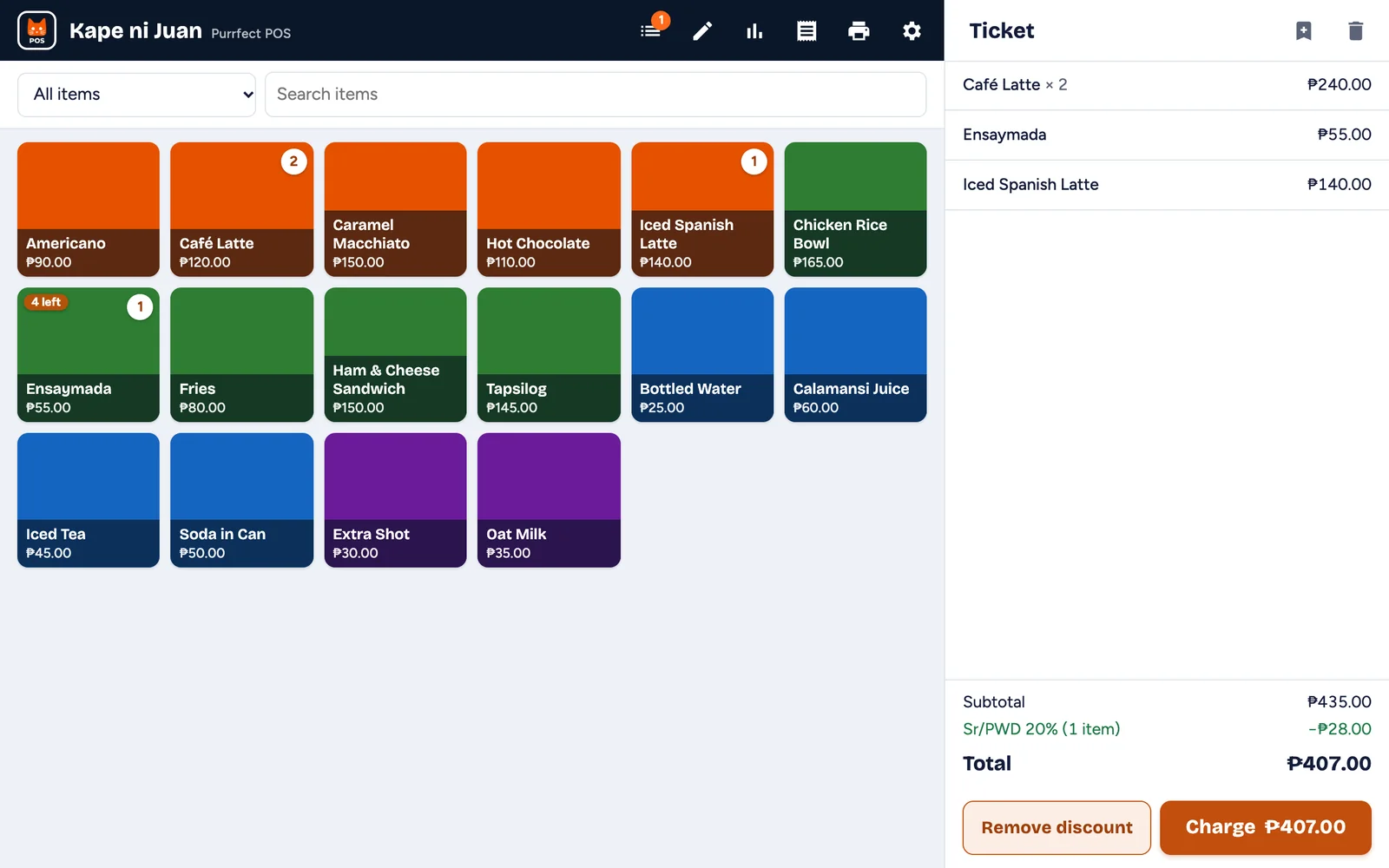
- Big item tiles with your photos and colours
- Categories and instant search
- Change computed, with quick cash buttons
- Save a ticket for a table and finish it later
- Works on phones, tablets and computers
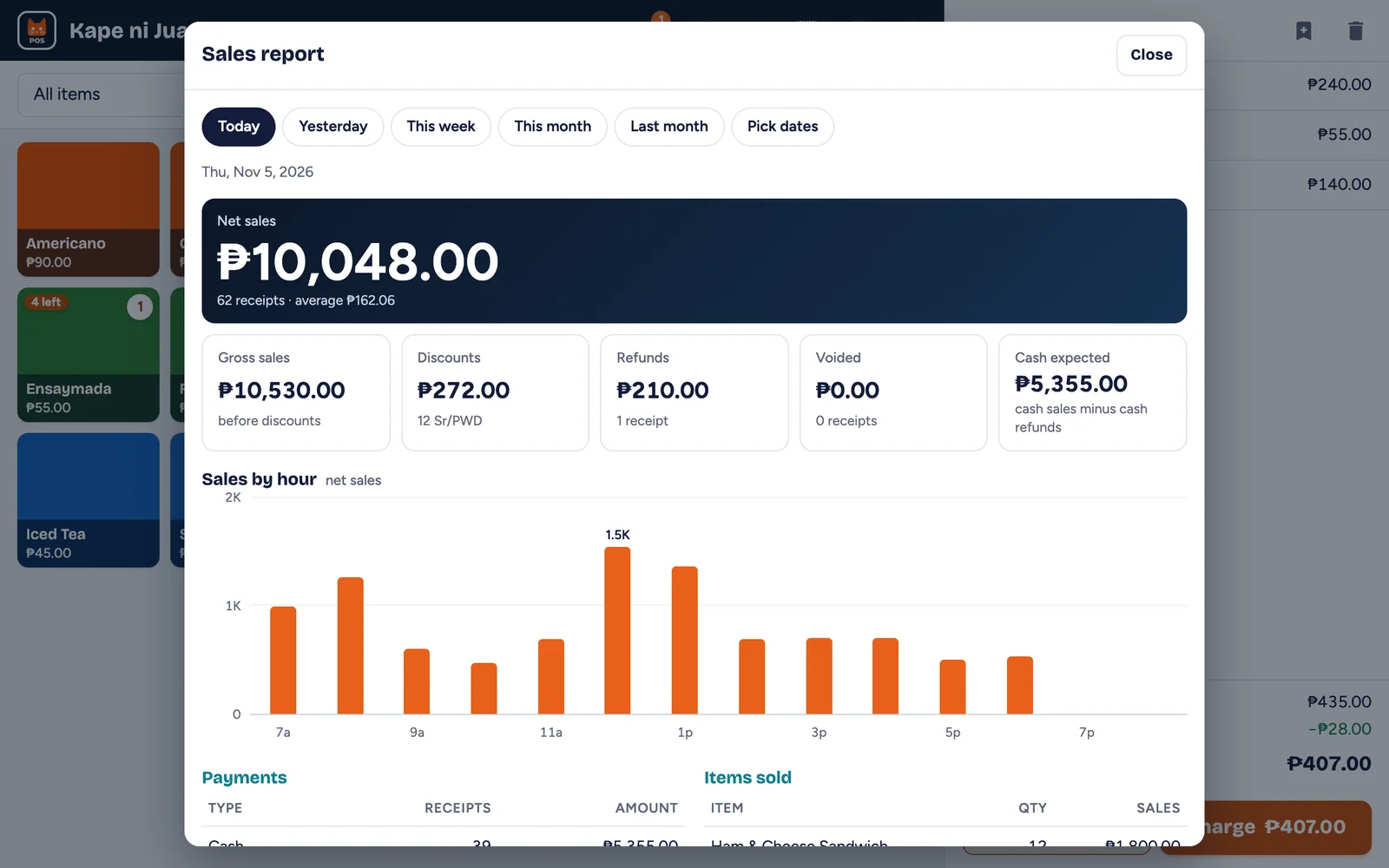
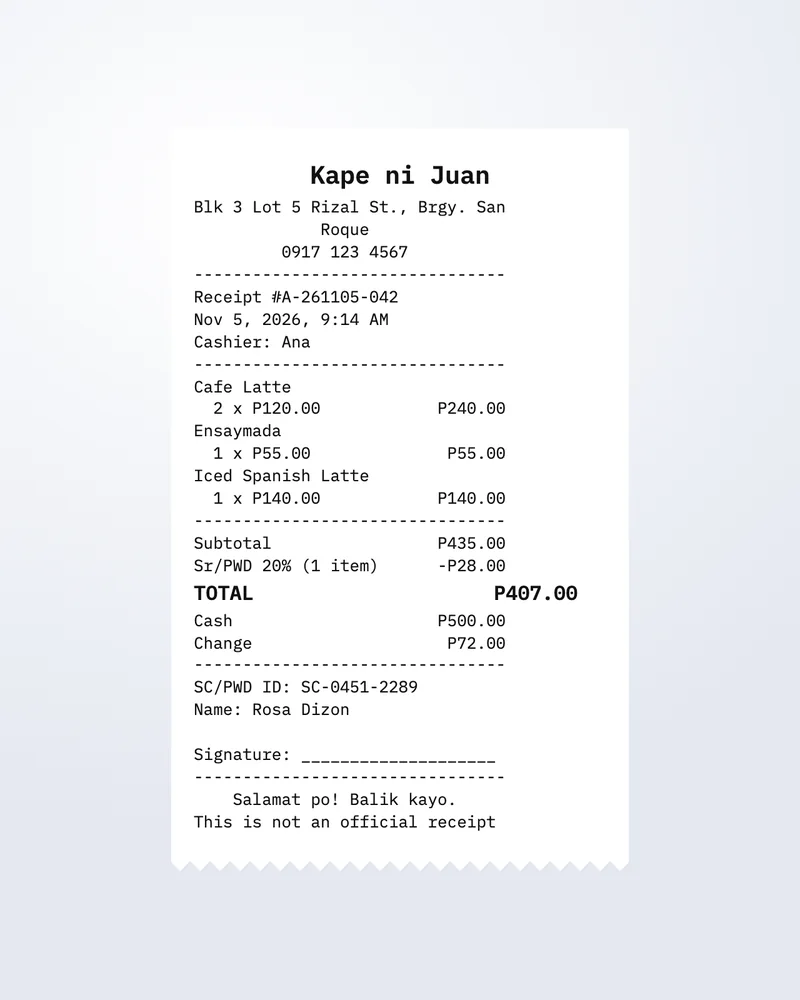
Purrfect POS rings up sales, works out change, prints receipts on a Bluetooth printer and adds up your day. It runs on the phone, tablet or computer you already have, even without internet. Pay once and it’s yours.
 Kape ni Juan ● Works offline
The demo is the full app with sample items. Everything you set up there stays when you activate your license.
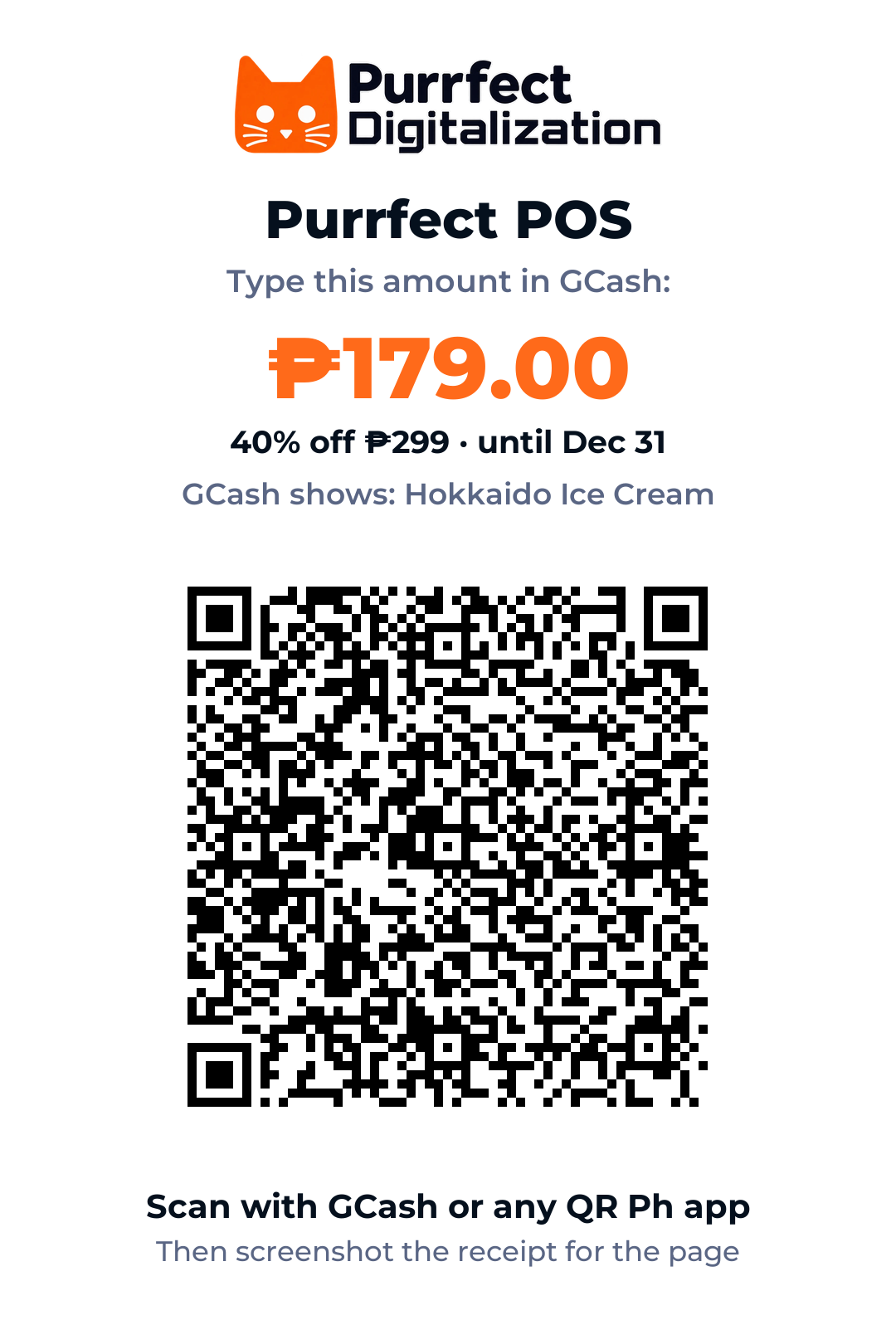
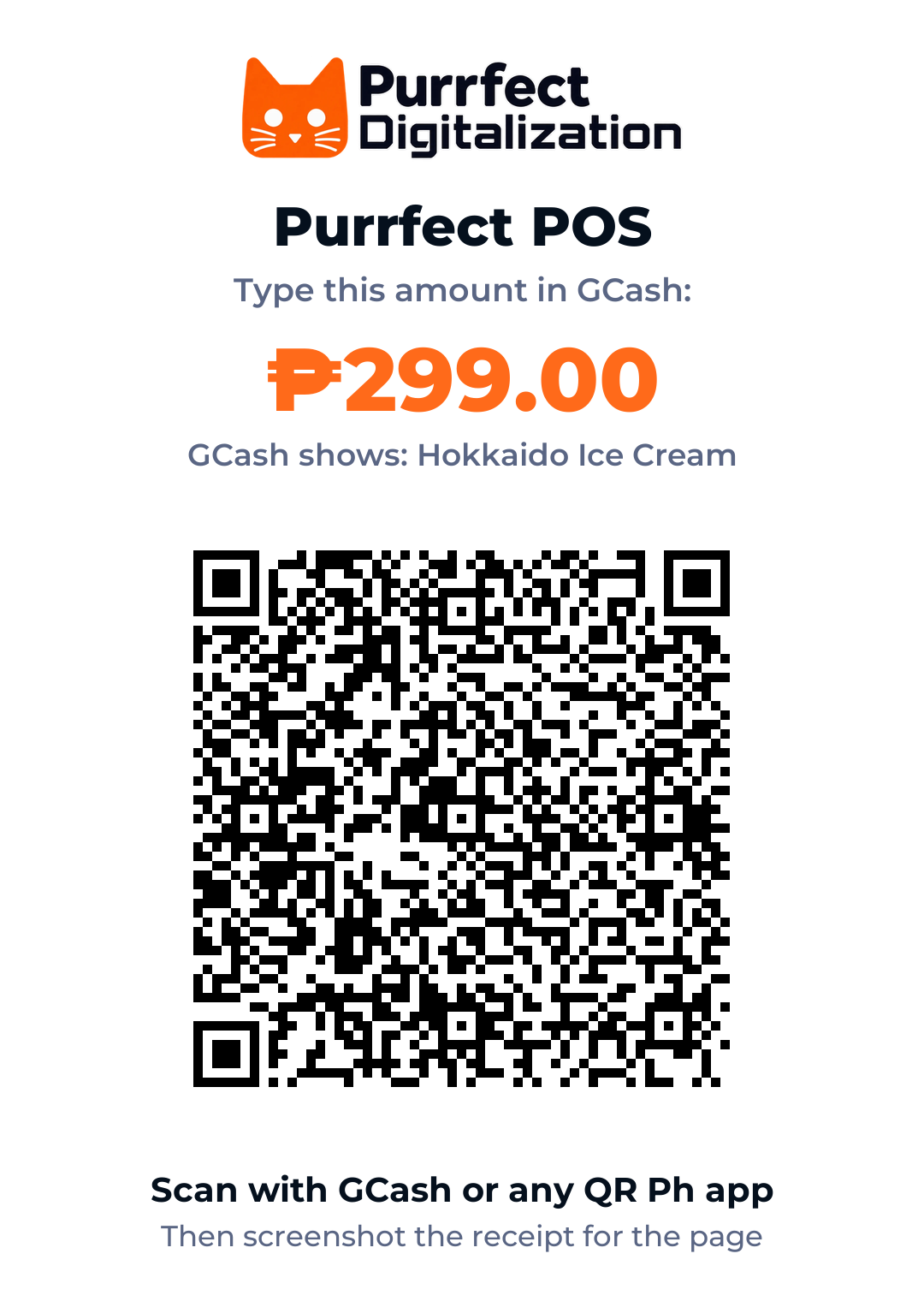
Fill in your details below, scan our GCash QR (the name shows as Hokkaido Ice Cream) and type the amount. Then add a screenshot of your GCash receipt: the page checks the amount, date and Ref. No. right away, and asks for the rest if it’s short.
When the page verifies your GCash receipt, your key comes by email right away. A receipt it can’t verify is checked by hand, usually within a few hours between 8 AM and 10 PM.
The link in the email activates the app by itself. One license is for 1 phone, tablet or computer.
Order . We’ll email your license key to , usually within a few hours between 8 AM and 10 PM. You can close this page.
Your license key and setup guide are on their way to (order ). No email in a few minutes? Check Spam.
Meanwhile, set up your items in the free demo: they stay when you activate.
For shops with a team: staff clock in on the register, overtime waits for your OK, and the week is planned. Your same license key turns Pro, and everything you set up stays.
Added to the license key you already have. With the online back office on, you see who is at work and their hours from any phone.
▶ Try Pro in the free demo
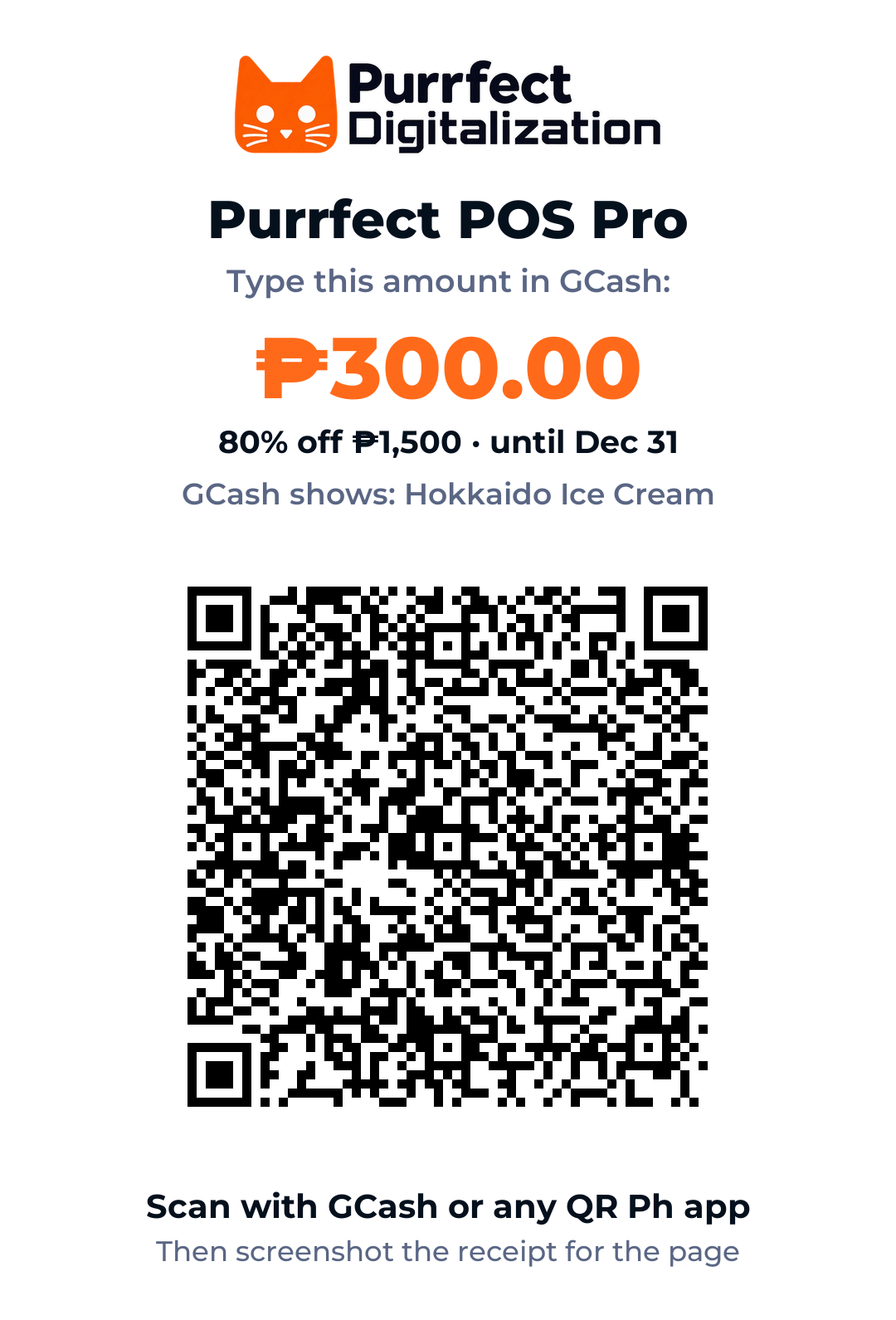
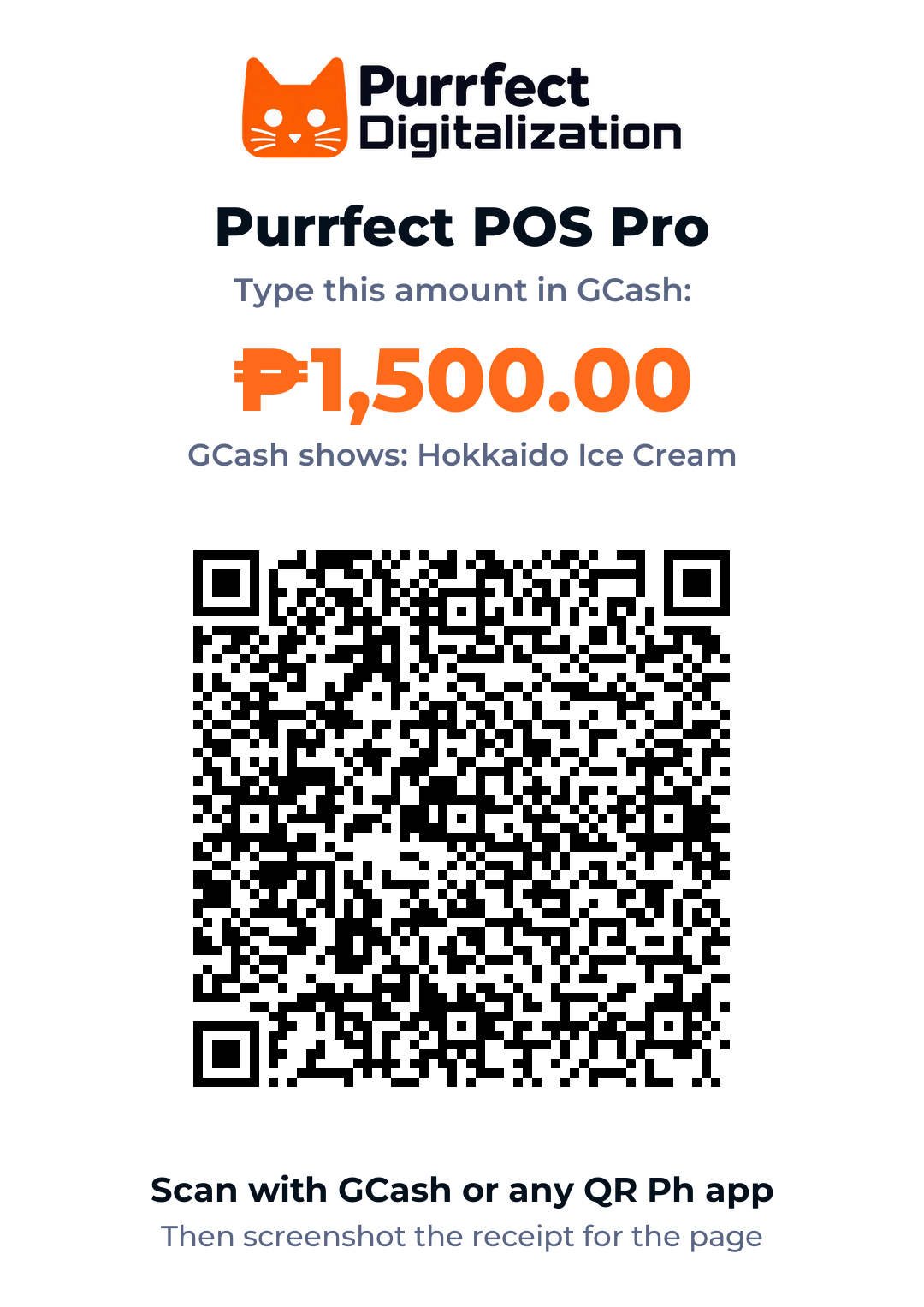
Upgrade . We’ll email as soon as Pro is on, usually within a few hours between 8 AM and 10 PM. You can close this page.
Payment confirmed: Pro is on. The steps are on their way to .
On an iPhone or iPad, open Purrfect POS from its Home Screen icon instead, then tap the clock icon and “I upgraded: check now”.
Android with Chrome, iPhone or iPad with Safari, or Windows and Mac with Chrome or Edge. Install it to the home screen and it opens like an app.
Most 58 mm and 80 mm Bluetooth thermal printers work from Chrome on Android or a computer. Printers Chrome can’t find work through the free RawBT app.
Only to activate your key. After that, selling, receipts and reports work offline. Your sales stay on your device; back them up to a file anytime.
No. You pay once (₱179₱299) and keep using it, with free updates.
Until 11:59 PM on December 31, 2026 (Manila time). Pay before then and it’s ₱179 instead of ₱299, with the same license and free updates.
Yes. The free demo is the full app with sample items; receipts just print “DEMO”. Add your own items there, on the device you’ll sell on: they stay when you activate. On iPhone, add it to your Home Screen first and set up in that icon.
Right away when the page verifies your GCash receipt: it comes by email within a minute. If it can’t verify the receipt (or you send it for a manual check), we check it by hand, usually within a few hours between 8 AM and 10 PM.
Yes. Turn on Online back office in the register’s Settings, and open your back office on any phone: today’s sales, net profit (sales minus your item costs and expenses), low stock and, with Pro, who is at work. Only you can open it, from the register or with a link we email you. Off, nothing leaves the register.
Add your GCash receipt anyway: the page reads the amount, and if it’s short it tells you exactly how much is left to pay with the same QR. Paid too much? Message us on Facebook and we’ll sort it out.
That’s the name on our GCash account, so it’s the right place to pay. Your GCash receipt shows it too, and that’s the receipt you add on this page.
In Settings, turn on Shop camera: the computer’s own webcam shows in the upper right of the POS. Record saves video to a folder you pick on that computer, a new file every 5 minutes, named by date and time. Motion records only when something moves and stops 30 seconds after things go still, so every clip is a moment worth watching. Best on a Windows or Mac computer in Chrome or Edge. The video never leaves that computer. Let your staff and customers know there’s a camera.
No. It is a register and sales tracker, not a BIR-accredited POS machine, so its receipts say “This is not an official receipt”. Keep issuing your BIR-registered receipts or invoices as usual.
Most Bluetooth thermal receipt printers (58 mm and 80 mm) sold on Shopee and Lazada, from Chrome on Android, Windows or Mac. If Chrome can’t find yours, the free RawBT app on Android connects it. On a computer you can also use the normal print dialog.
Yes for selling, receipts on screen and reports. iPhones can’t talk to Bluetooth printers from a web app, so for printed receipts use an Android phone or tablet, or a computer.
On the device you sell on, never on our servers. Each device keeps its own sales and report. Back up to a file every week, and restore it on a new phone. Need one report across branches or devices? That’s our full system.
Your key is in the email we sent. Each license is for one phone, tablet or computer: message us on Facebook and we’ll move it to your new phone.
Each license is for one phone, tablet or computer. Purrfect POS Pro adds up to 3 staff on up to 3 devices, with a time clock, overtime approval and a weekly schedule: ₱300 one time until Dec 31 (80% off ₱1,500)₱1,500 one time. Your same key turns Pro.
Purrfect POS is the counter. Our full systems add online ordering, GCash payment matching, staff time clocks, Messenger answers and a live report across branches.